

Consolidate Supplier Orders to Cut Delivery Charges
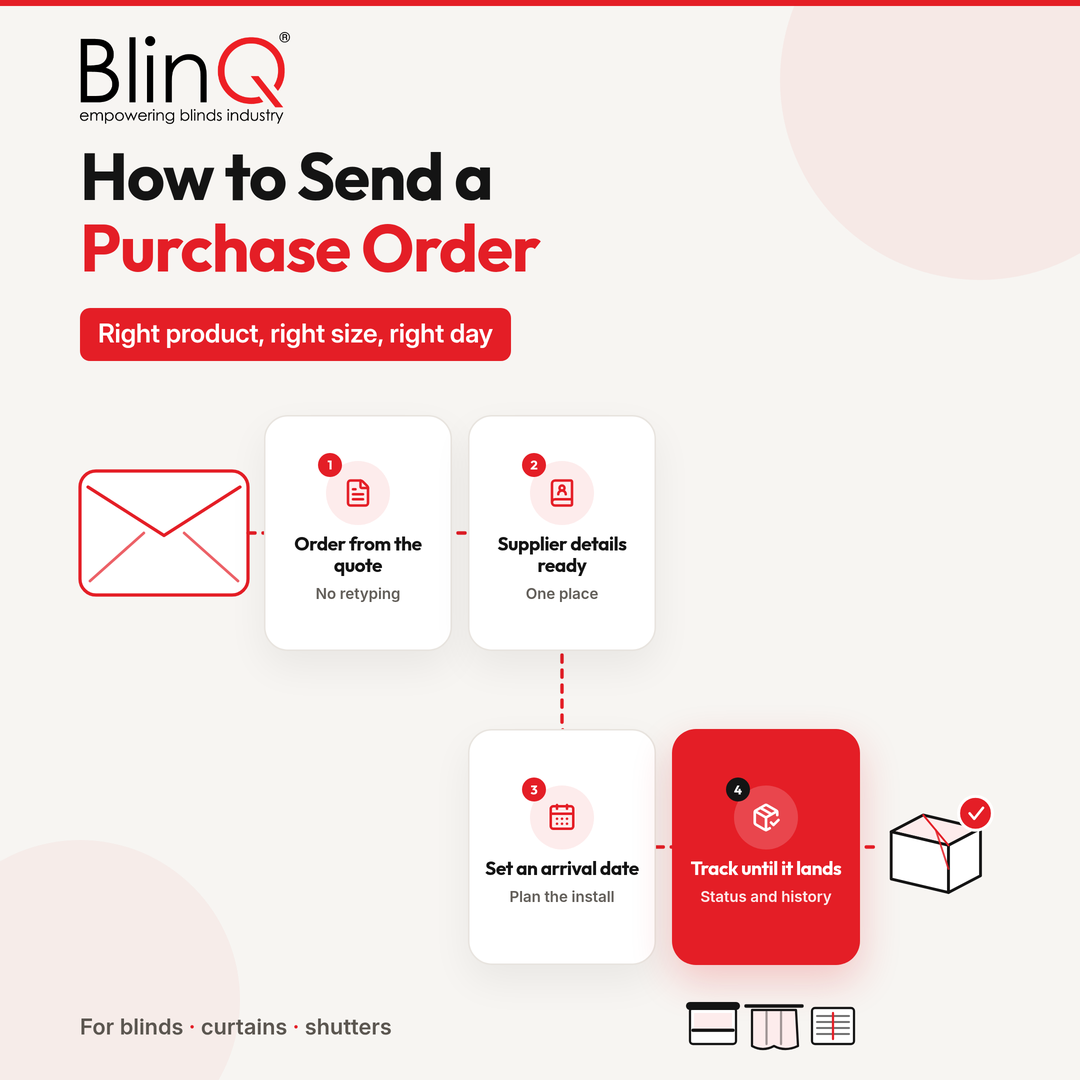
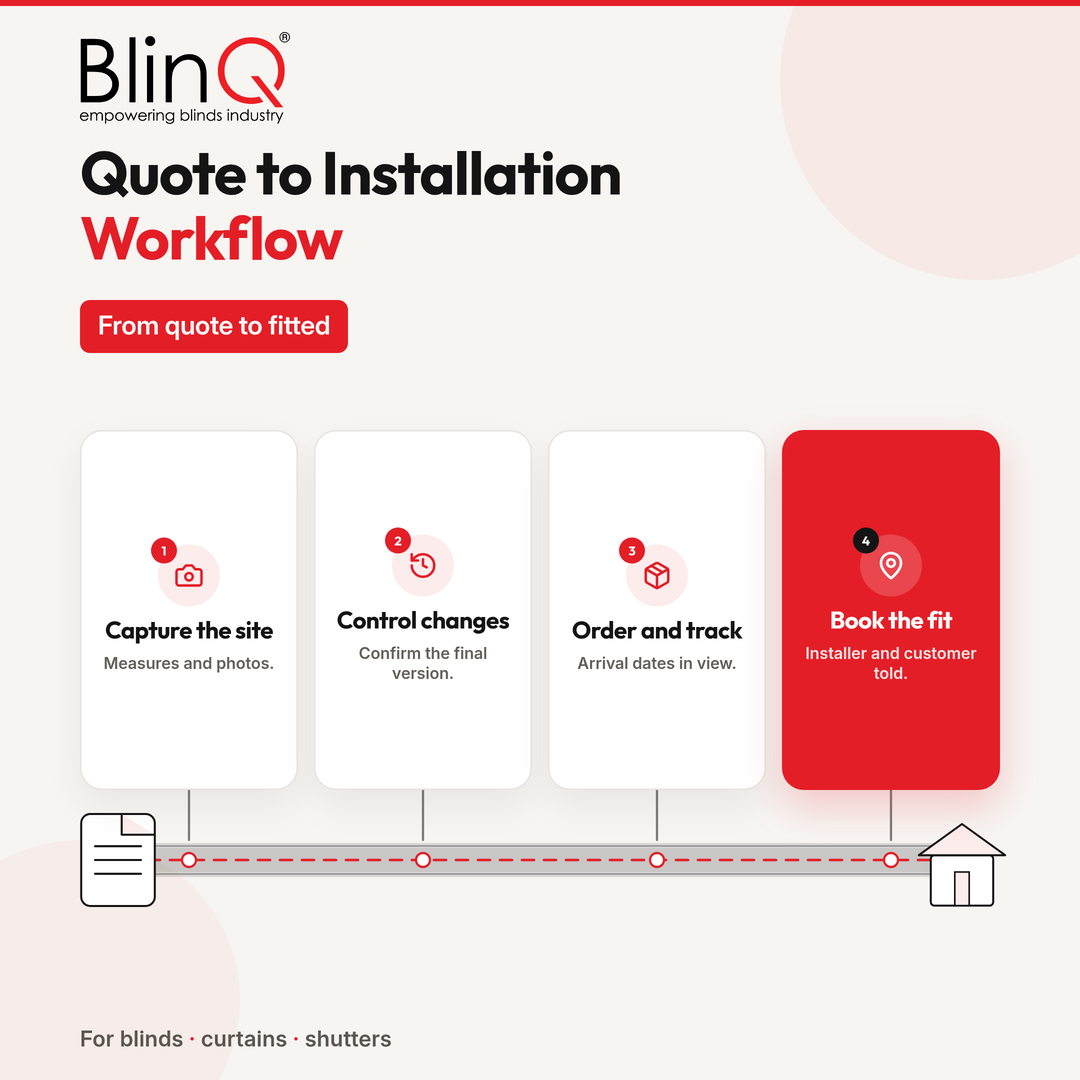
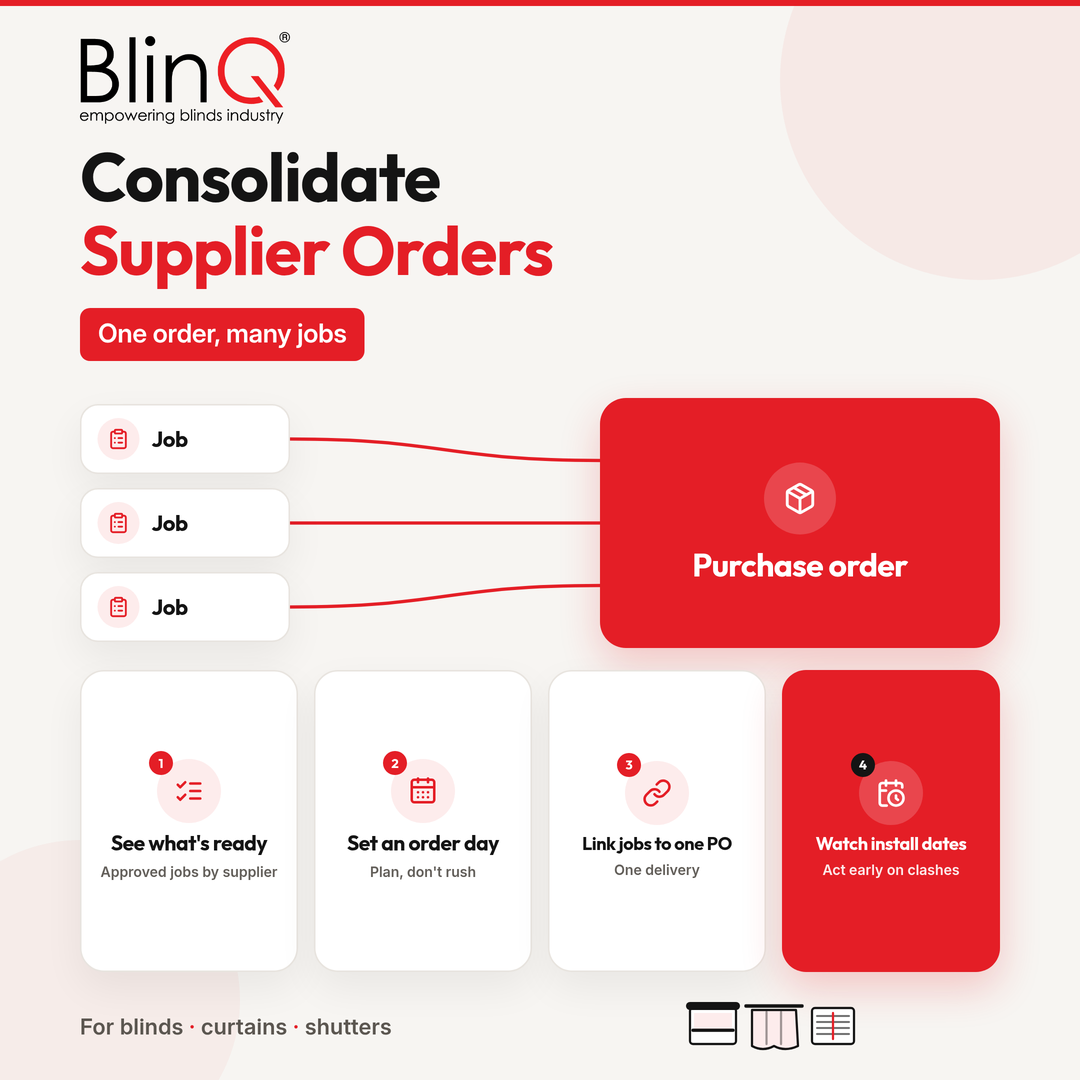
Learning to consolidate supplier orders is one of the simplest ways for a blinds business to stop paying for the same delivery twice. When every approved job gets its own purchase order, small orders go out one at a time and each can attract its own delivery charge. Grouping orders takes a little planning, but it keeps more margin in every job. Here is how to do it without leaving customers waiting. KNOW WHAT IS READY TO ORDER You cannot combine orders you cannot see. Keep one list of approved jobs that still need stock, grouped by supplier, so the opportunities to combine are obvious. In BlinQ: raise purchase orders directly from approved quotes, and see what has been ordered from each supplier on the purchase order dashboard. SET A REGULAR ORDER DAY Choose one or two set days a week for each main supplier and place orders then, unless a job is genuinely urgent. A short, planned wait is easier to manage than a stream of small deliveries. In BlinQ: supplier contacts are saved in one place, so whoever places the order on the day has what they need. CONSOLIDATE SUPPLIER ORDERS INTO ONE PURCHASE ORDER On order day, combine every job for that supplier into a single purchase order rather than sending several. Make sure each item stays tied to the right customer so nothing is mixed up on arrival. In BlinQ: raise a purchase order to a supplier and link as many jobs as you want to it, to avoid extra delivery charges. KEEP INSTALL DATES IN VIEW Combining orders should never leave a customer waiting without warning. Watch arrival dates against booked installs and act early if they clash. In BlinQ: email purchase orders with an estimated arrival date, and use the purchase order dashboard to view order status alongside installation dates. Look back at last month's orders for your biggest supplier and count how many could have gone out together. See pricing: https://www.blinq.com.au/pricing Or book a demonstration: https://calendly.com/blinq/team